
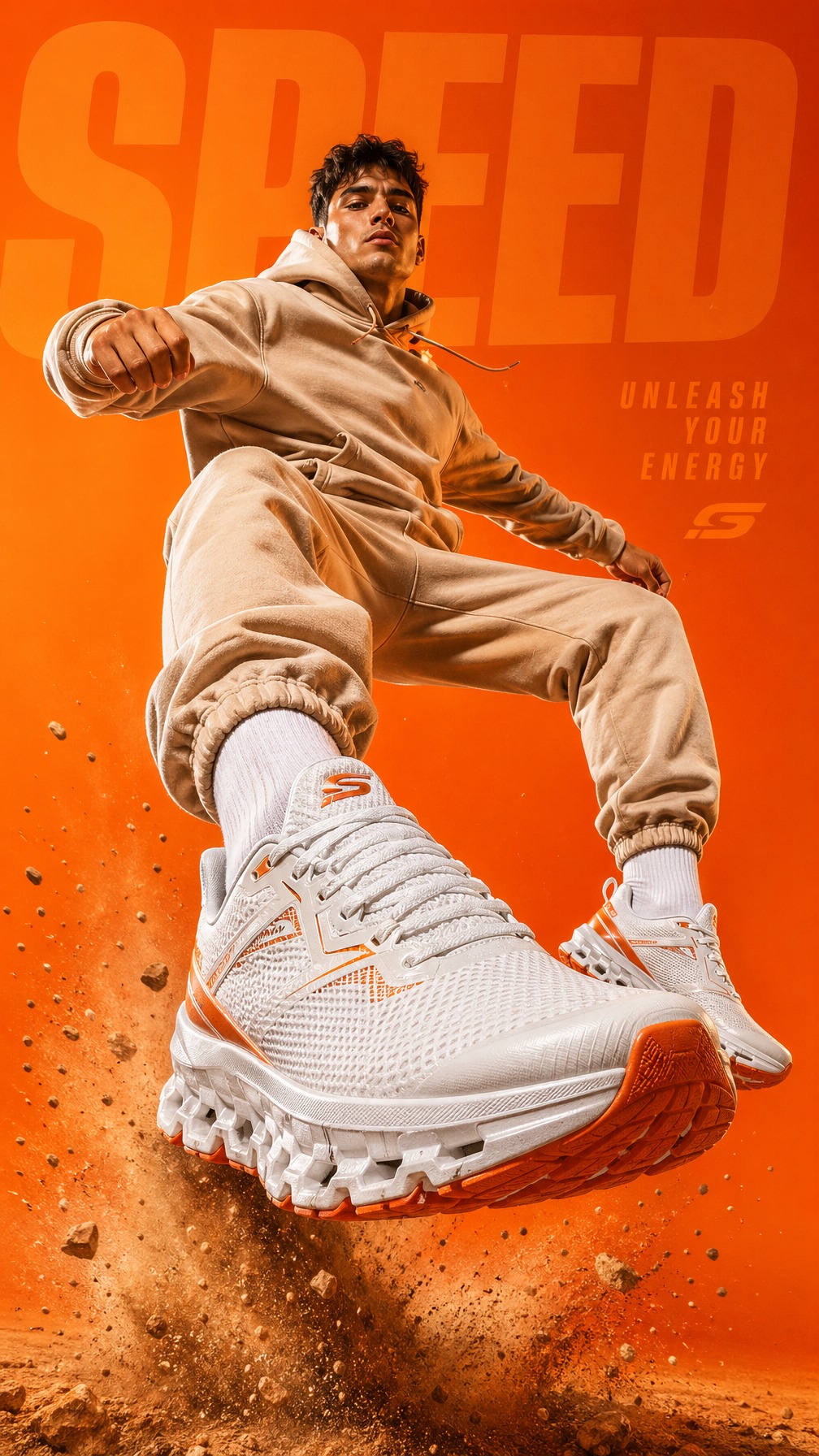
01Sportswear launch creative
Private AI production suite
OneAgent Image Studio gives fashion, ecommerce, and launch teams a protected workspace for references, prompt direction, image sets, edits, Grok video experiments, credits, and API handoff.
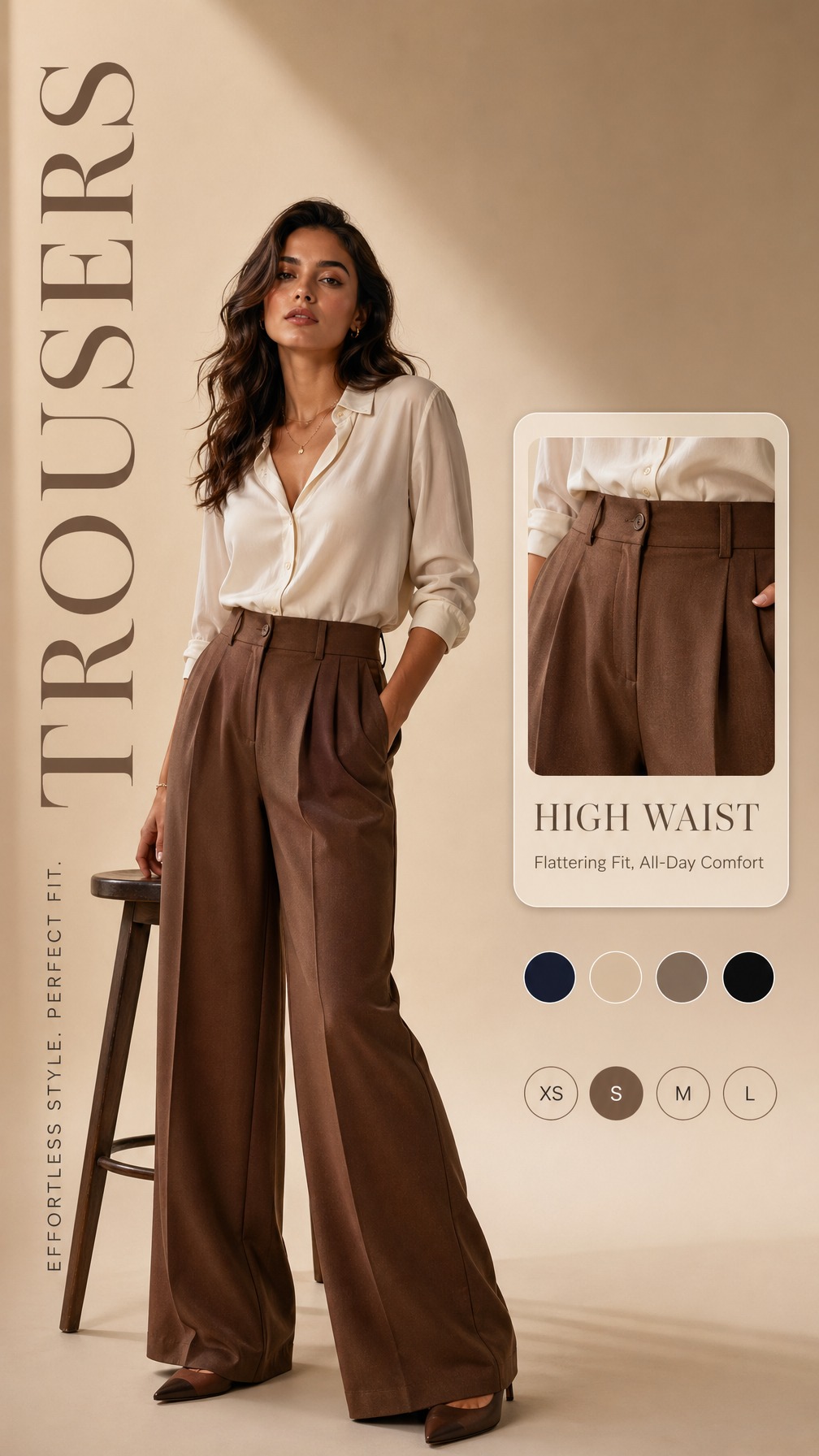
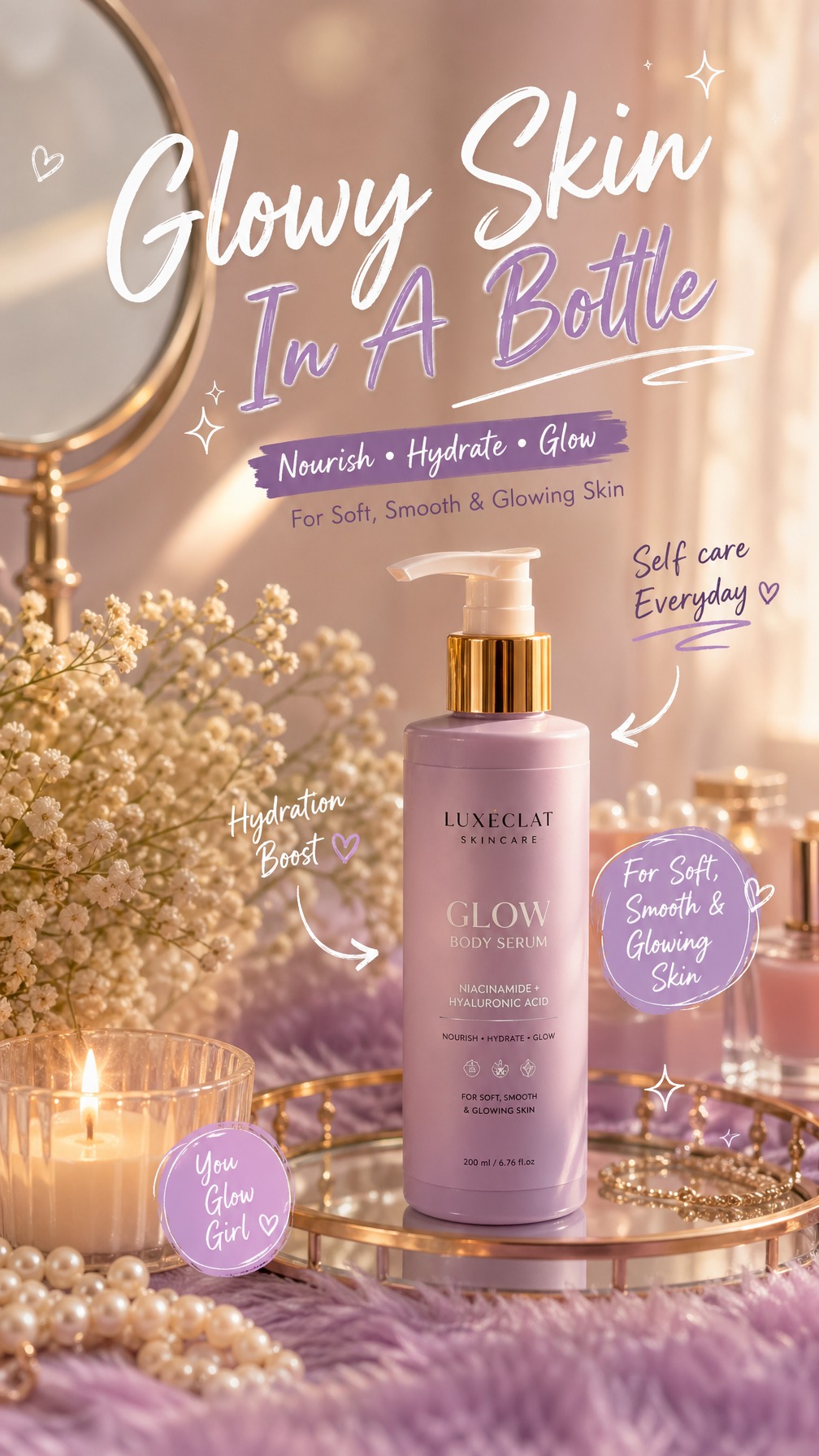
Sportswear, fashion, skincare, packaging, accessories, and food visuals are presented as production examples — not decoration around a login form.
High-impact vertical sneaker ad with clear product focus, action-led framing, and social campaign energy.
Model-led apparel creative with merchandising detail, fit cues, color options, and polished catalog styling.
Soft premium beauty campaign output with product claims, packaging visibility, and refined ecommerce finish.
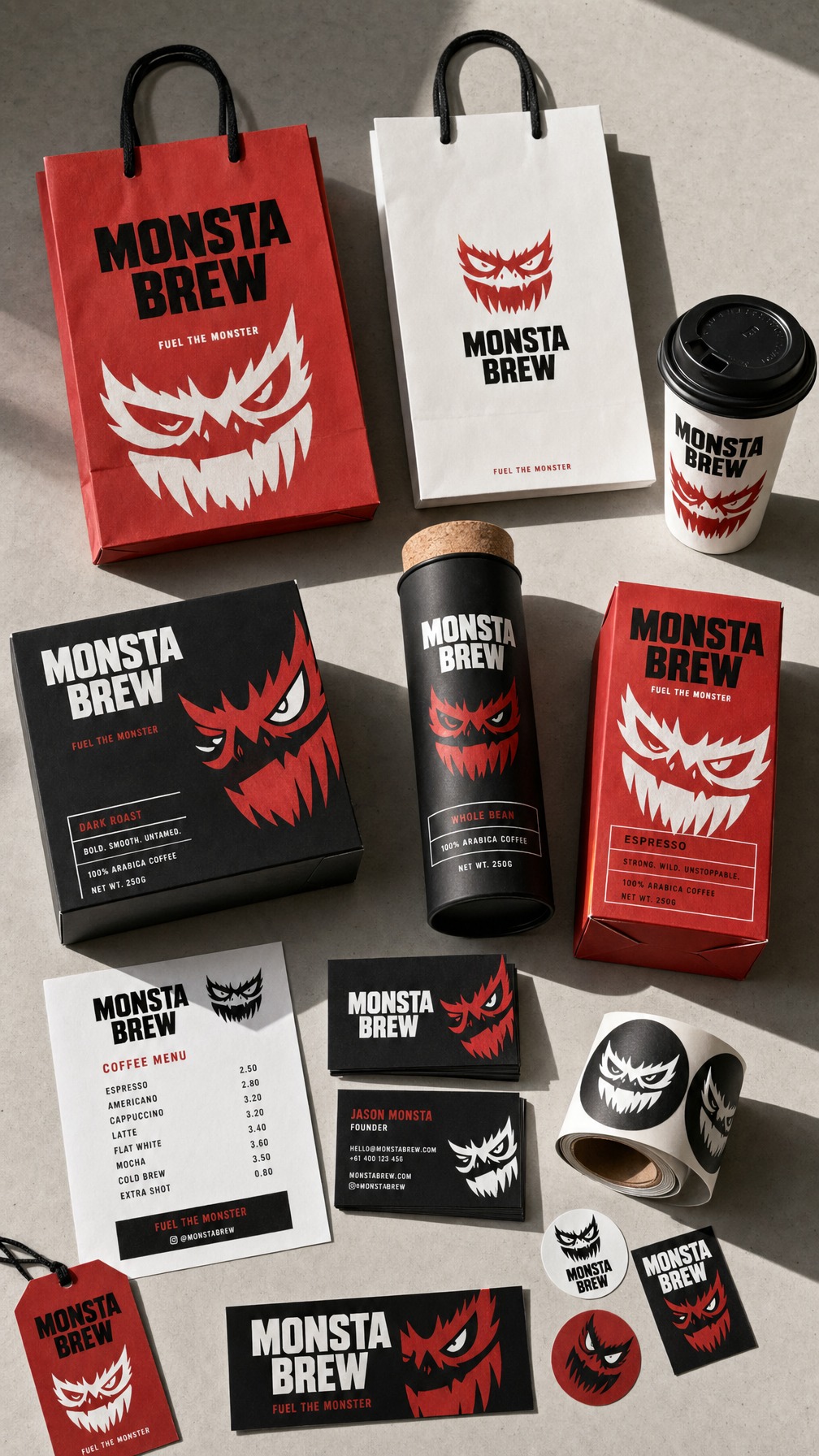
Brand-forward packaging visuals for product pages, launch decks, and retail campaign exploration.
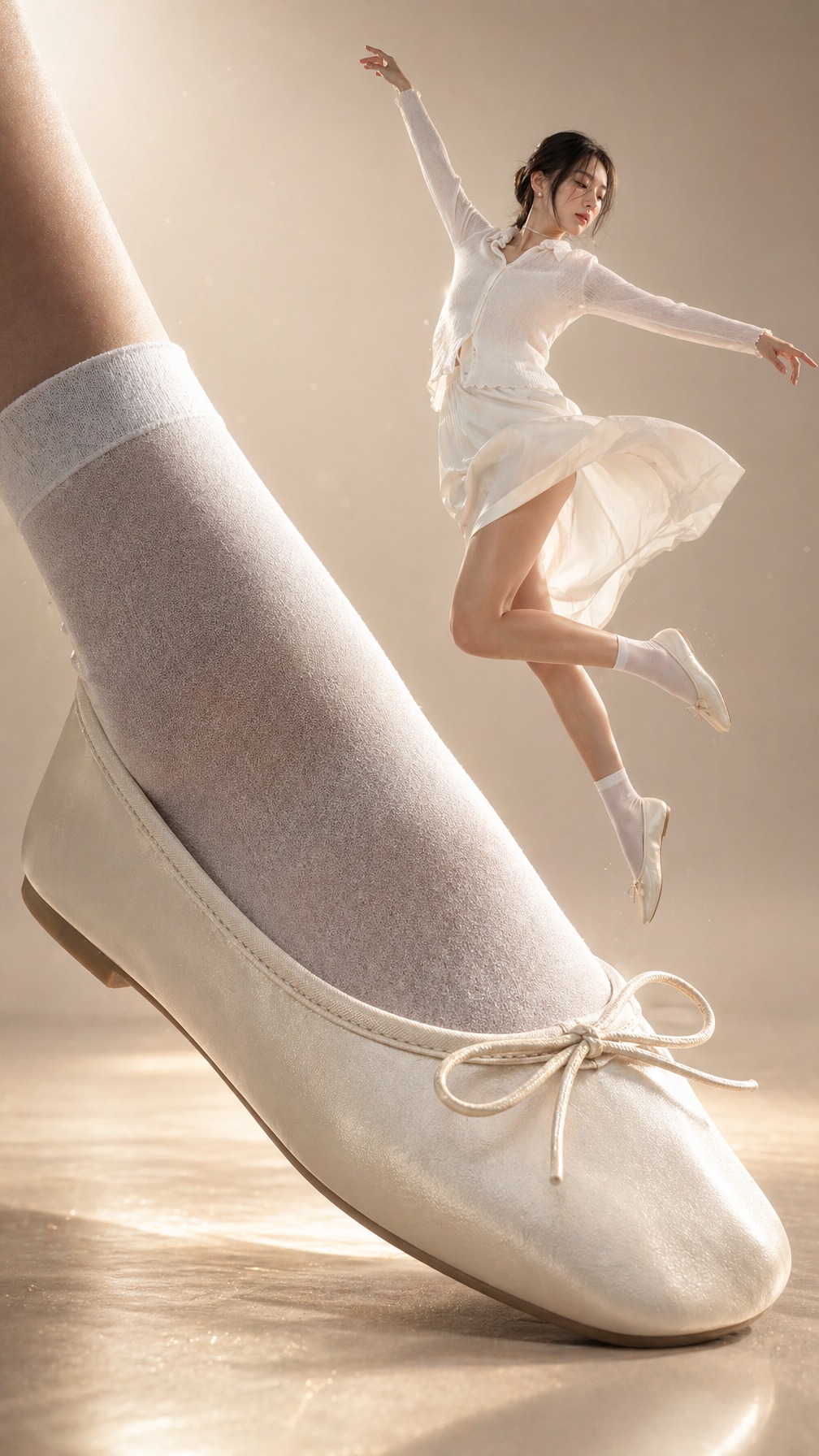
A premium accessory layout with readable product surfaces, editorial mood, and ad-ready composition.
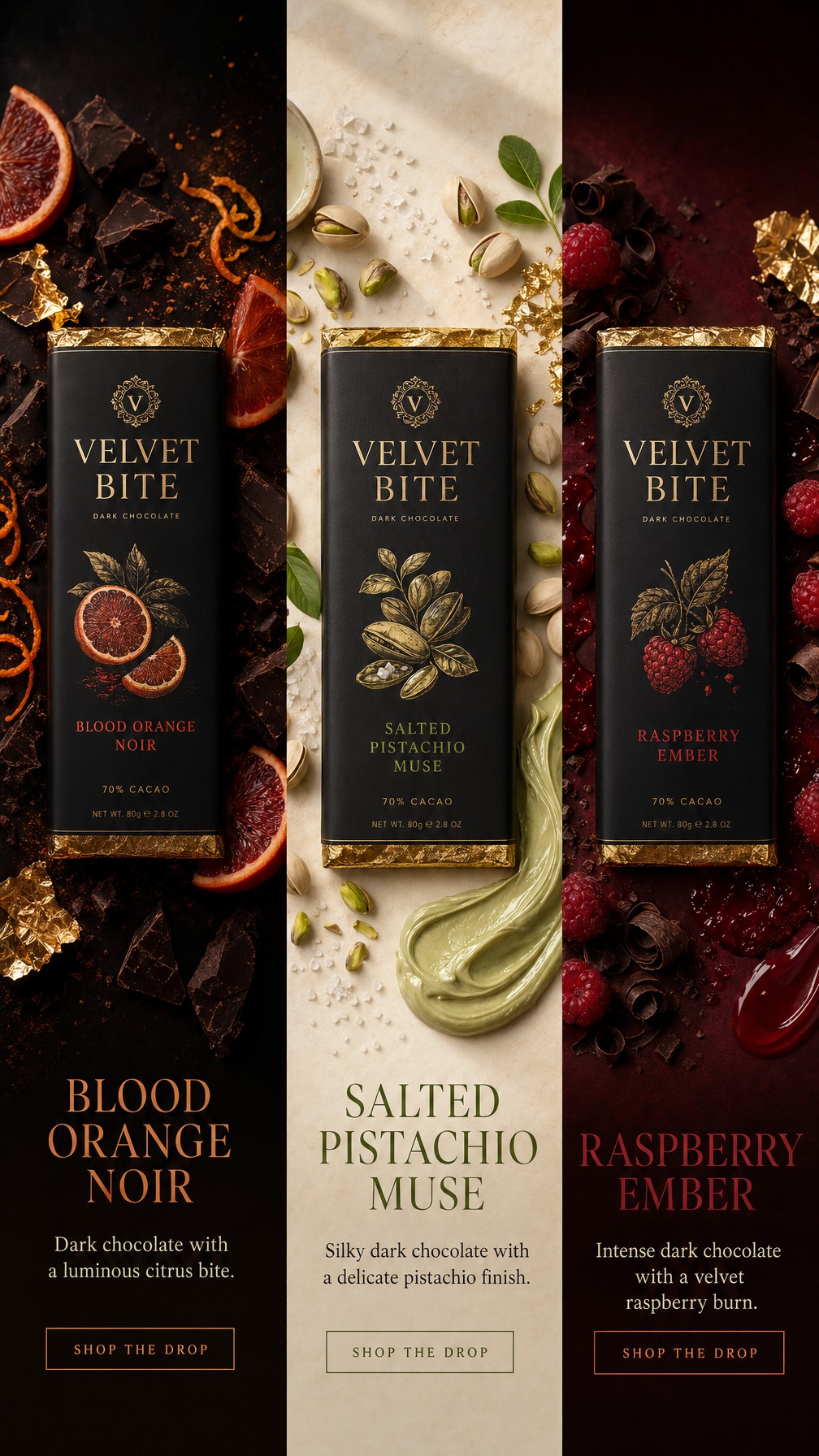
Rich product storytelling for food and gifting campaigns with appetite appeal and commercial polish.
The private workspace keeps prompts, references, generated media, queue state, credits, and API access together so the team can repeat winning creative directions.
Turn a product brief into lighting, composition, wardrobe, prop, and channel-specific image directions.
Use product, packaging, model, styling, and brand references before each generation or edit run.
Run image, edit, and Grok video jobs with visible status, credits, and reusable output history.
Keep generated media, API keys, and workspace access behind authenticated business accounts.
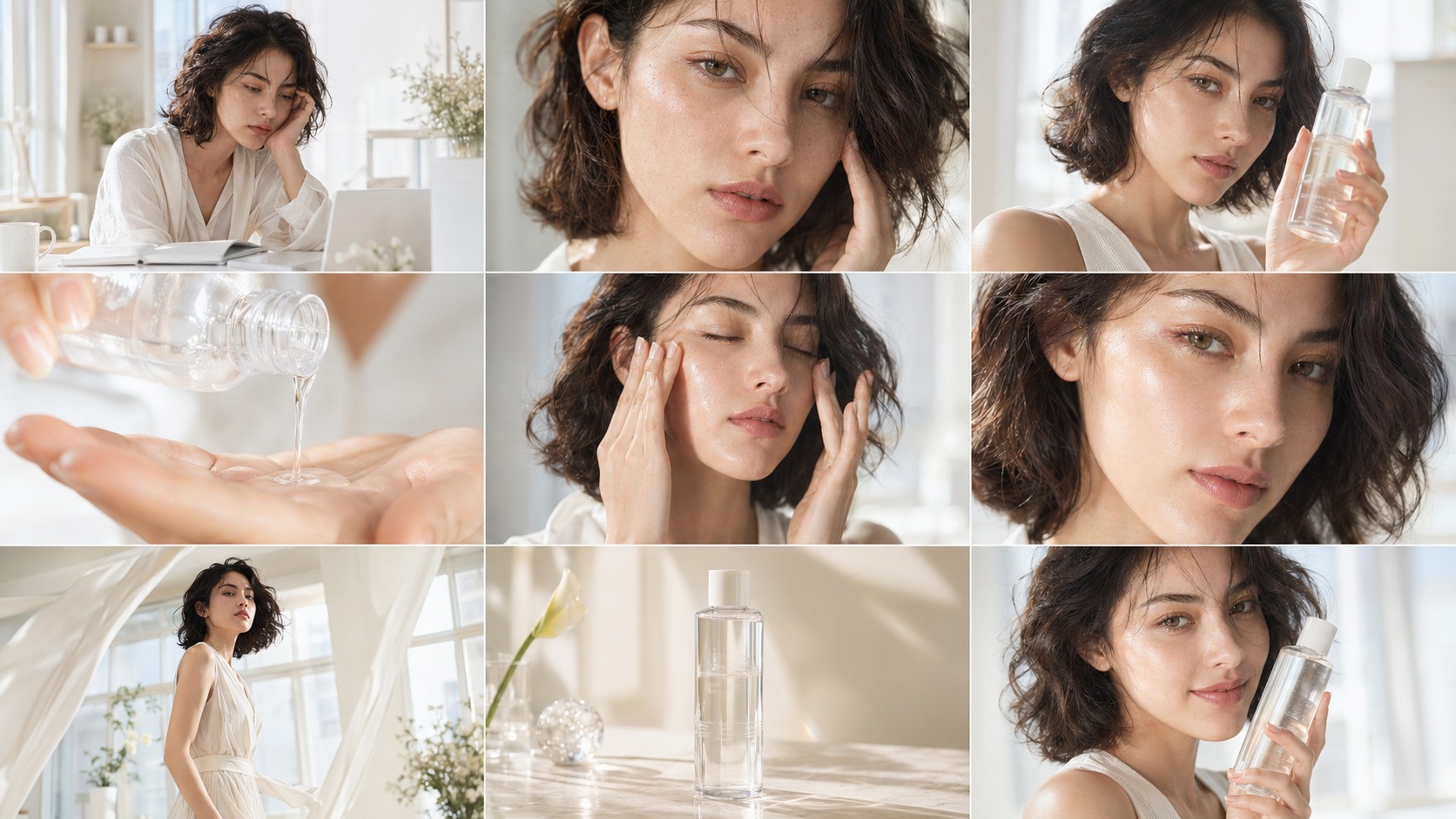
1Load the commercial brief
2Shape the image direction
3Generate campaign sets
4Reuse the winners
The public showcase uses already-generated OneAgent outputs across fashion, beauty, packaging, food, watches, and sportswear.
Generate, edit, reuse gallery assets as references, and move strongest concepts into image-to-video experiments.
Prompt library, task queue, credits, downloads, API keys, and client media stay inside an authenticated production workflow.
OneAgent: Reference assets can guide image edits, new generations, and video prompts.
Generic: Often starts from a text box with weak continuity across attempts.
OneAgent: Saved prompts, gallery reuse, selected references, and task history support repeatable campaigns.
Generic: Previous outputs are usually scattered across downloads or chat threads.
OneAgent: Protected API keys, credit tracking, queues, and private media are part of the app.
Generic: Useful for experiments, but harder to connect to a team workflow.
OneAgent Image Studio is a protected web application for creating AI product images, ecommerce ad visuals, and Grok Imagine product videos from prompts and reference assets.
No. The public /image-studio page explains the product and provides login or registration. Private dashboards, media, account credits, API keys, and agent runs stay behind authentication.
The workflow is designed for fashion and ecommerce teams, including shoes, apparel, perfume, accessories, packaging, and other product advertising use cases.
Yes. Logged-in users can upload product and brand references so image generation and edits can follow real product details more closely.
Yes. The studio includes Grok Imagine video queueing and image-to-video workflows for short product motion and ad creative experiments.